
Product Introduction


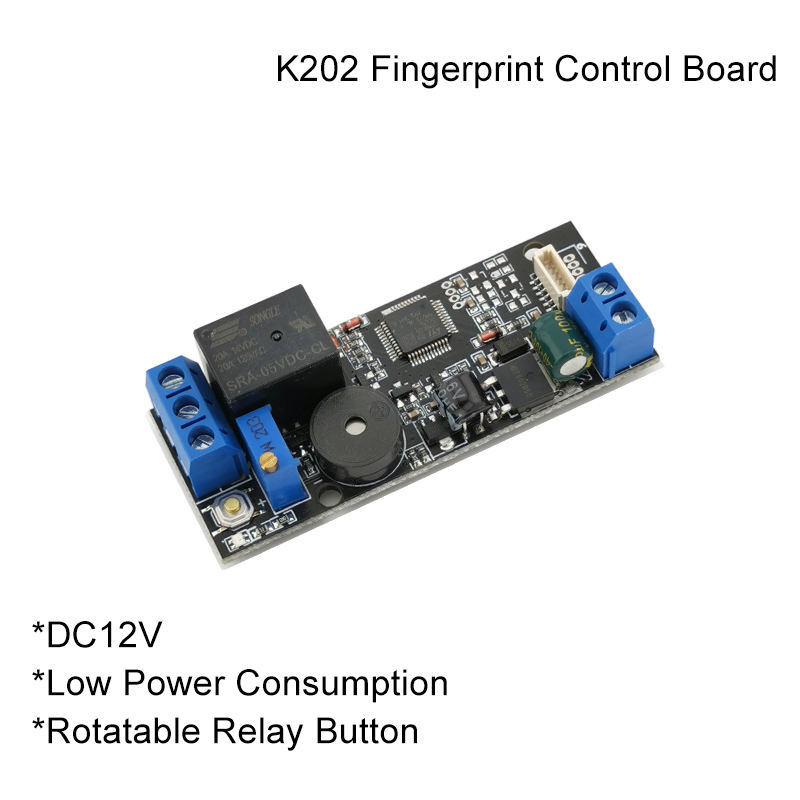
DC12V, Relay output, Relay time: 0.5-30 seconds, Low power consumption, Admin/user function
·P1: Power supply:DC12V
·Output: Relay(Max. current:10A)
·Standby current: 15uA
·Fingerprint capacity: 120 pieces
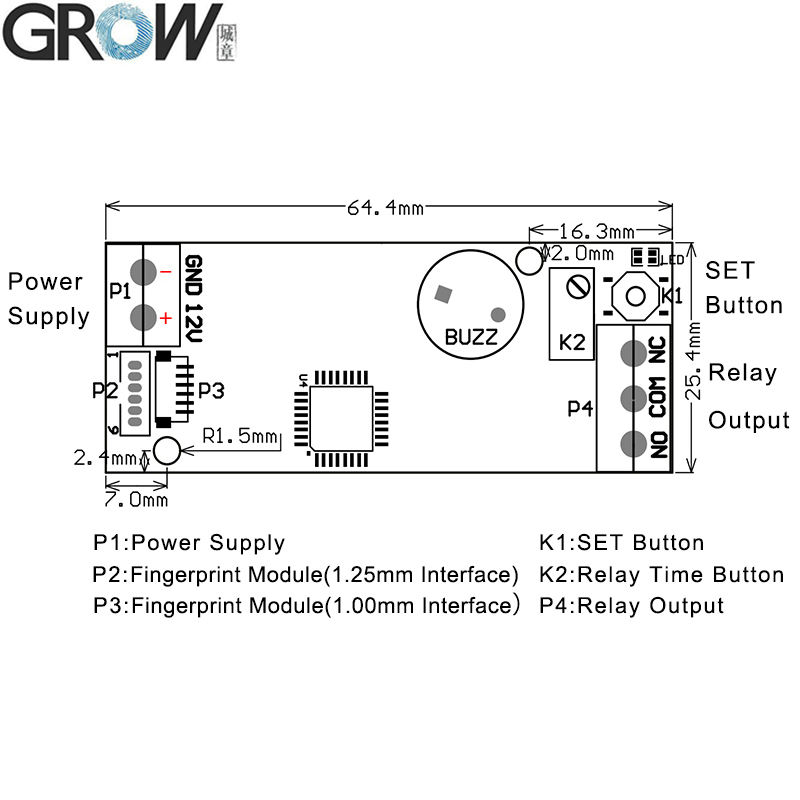
·Size: 64.4*25.4mm
·Output: Relay(Max. current:10A)
·Standby current: 15uA
·Fingerprint capacity: 120 pieces
·Size: 64.4*25.4mm

1. SET Button-Register Administrator Fingerprint: Press SET button shortly,blue indicator light flash fast and system in register state, put the same admin finger with multiple times in fingerprint collection area until hearing music means fingerprint register successful. Fingerprint can be registered continuously when system in register state; if no need adding fingerprint more, waiting a few seconds.
2. Register User Fingerprint: Press the administrator fingerprint until the blue indicator light flash fast and hear the music,means can add user fingerprint. Put the same user finger with multiple times in fingerprint collection area until hearing music means fingerprint register successful.Fingerprint can be registered continuously when system in register state; if no need adding fingerprint more, waiting a few seconds.
3. Delete User Fingerprint: Press the administrator fingerprint about 12 seconds until hear “Di-” and music,means user fingerprints are deleted.
4. Back to factory default: Press SET button until hear “Di” long beep and music,means initialization operation successful.
5. Set Relay Time: Rotate K2 to set the closing time of the relay from 0.5 to 30 seconds. The relay is contact output, switch signal, no voltage output.
6. Usage: Press the finger,the relay closes after the fingerprint passes, and the closing time is determined by K2.
Note:
1. All indicator lights are off in standby state, and the lights are on in working state;
2. Any fingerprint can be used in the factory state, but the function will be invalid after the fingerprint is registered.
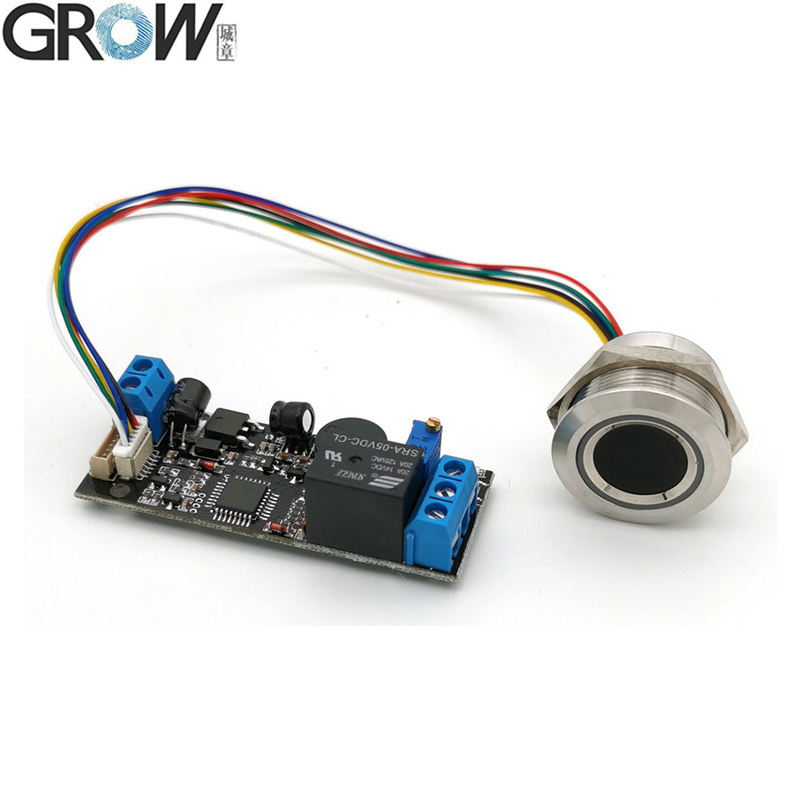
K202 can be used together with R502-A,R502-AW,R502-F,R503,R503-M22 fingerprint module

Model | R503 |
Type | Capacitive Fingerprint Module |
Interface | UART(TTL) |
Resolution | 508 DPI |
Voltage | DC 3.3V |
Fingerprint Capacity | 200 |
Sensing array | 192*192 pixel |
Working current | 20mA |
Standby current | Typical touch standby voltage: 3.3V, Average current: 2uA |
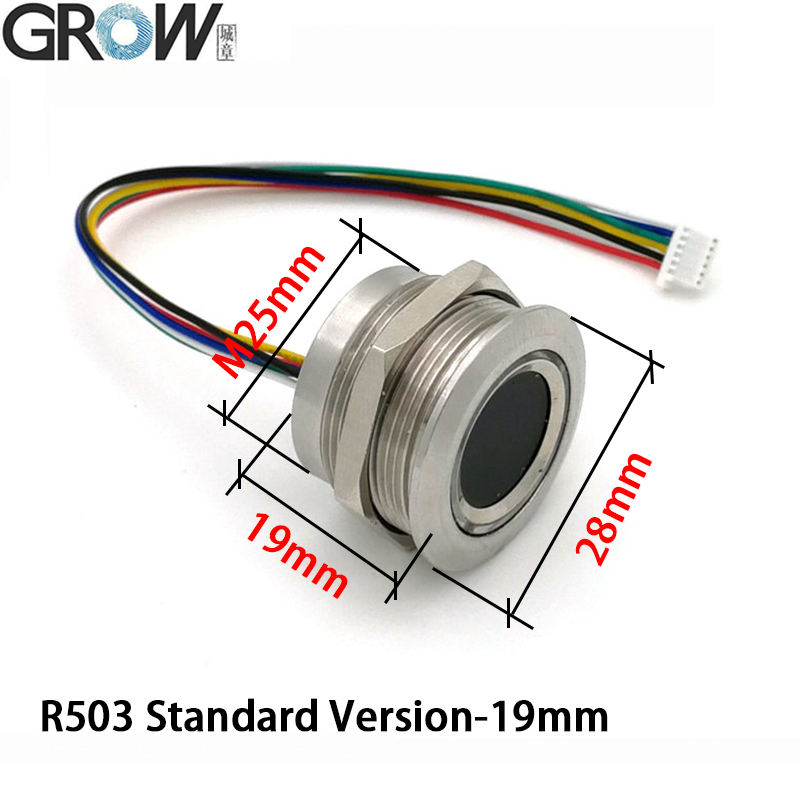
Fingerprint module external size | Diameter 28 (mm) |
Fingerprint module inner size | Diameter 23.5 (mm) |
Fingerprint module height | 19 (mm) |
Effective collection area | Diameter 15.5 (mm) |
Connector | SH1.0-6Pin |
LED Control | YES |
LED Color | RGB |
Scanning Speed | < 0.2 second |
Verification Speed | < 0.3 second |
Matching Method | 1:1; 1:N |
FRR | ≤1% |
FAR | ≤0.001% |
Work environment | -20C ---60C |
Work Humidity | 10-85% |
Anti-static capacity | 15KV |
Abrasive resistance intensity | 1 million times |
Communications baud rate (UART): | (9600 × N) bps where N = 1 ~ 12(default N = 6, ie 57600bps) |
R503 Upgrade to waterproof version, waterproof level: IP65
When the temperature of the use environment fluctuates greatly, it may affect the glue, thus affecting the waterproof effect.

·Provide Free Reference SDK Files for Arduino, Android,.Net,Windows and so on.
·Provide User Manual
·Provide User Manual
You can download the R503 user manual from this website link:
You can dowload the K202 user manual from this website link:
K202+R503 register fingerprint video on Youtube: https://youtu.be/I_JdB_nY6xs
K202+R503 adjust relay time video on Youtube: https://youtu.be/4VDyL9OCjsM
If need SDK files,pls contact us.


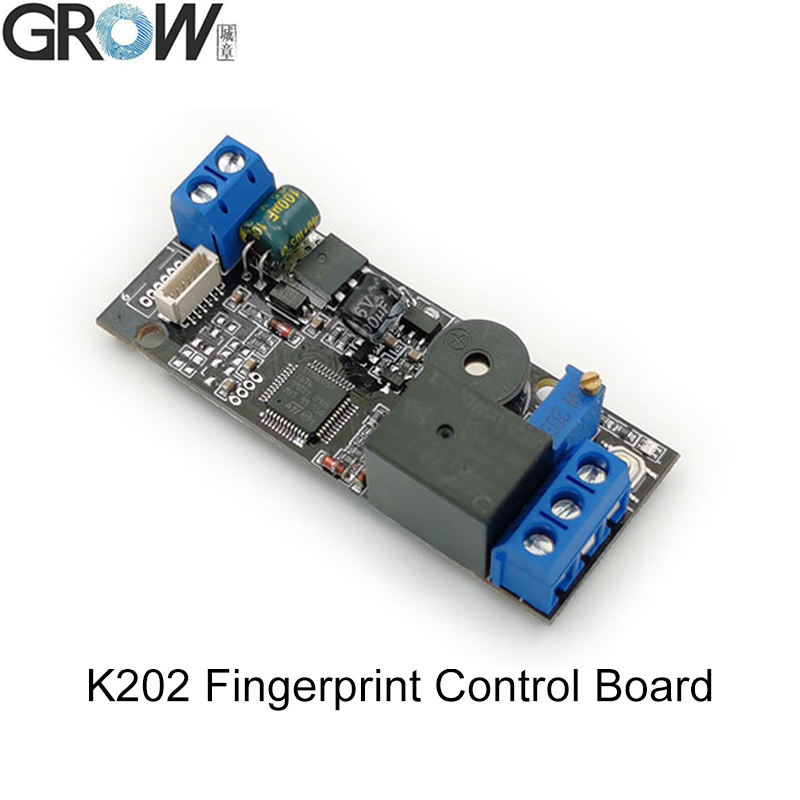
K202 Circuit board diagram


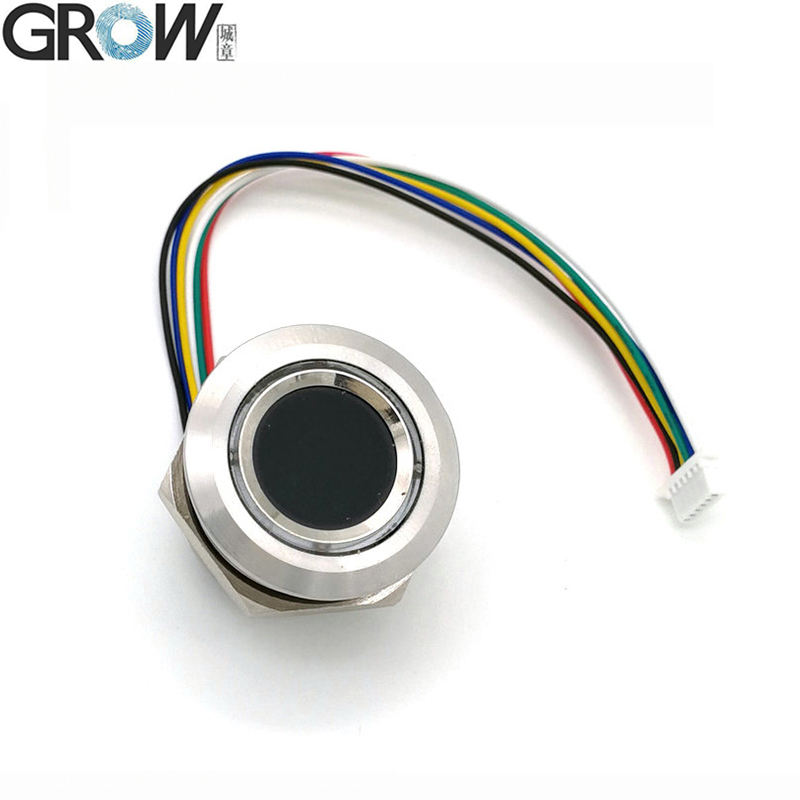
R503 Fingerprint Module


K202 Fingerprint Control Board+R503 Fingerprint module+Nut
